Using Google Translate to Translate a Document
Translate a Document Using Google Translate
How to Translate a Document using Google Translate:
We recommend using Google Translate to translate something short or where retaining formatting is not a concern.
Download and save the document to be translated.
Go to translate.google.com.
Click on translate a document.
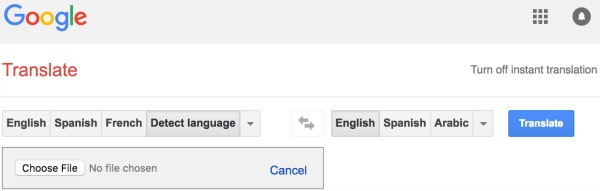
Select the Choose File button.
Locate the document to translate.
Select the desired language.
Click on the blue Translate button.
A view of the Google Translate website: